




Modifying your account settings in mydlink is simple.
This video shows you how to:
- Change your password
- Turn notifications on and off
- Enable two-factor authentication (2FA)
- Enable face of touch identification
This video shows you how to:
- Change your password
- Turn notifications on and off
- Enable two-factor authentication (2FA)
- Enable face of touch identification
- Category
- DLink

Be the first to comment
Up Next
Autoplay
-
01:03

mydlink Setup Video 12: One-Tap Controls
-
00:49
mydlink Setup Video 01 - Finding your way around
-
00:41
mydlink Setup Video 03: Getting Set Up
-
01:38
mydlink Setup Video 06 - Event & Video Tutorial
-
01:38
mydlink Setup Video 10 - Change your Device Settings
-
00:36
mydlink Setup Video 09: Modifying Account Settings
-
02:46
mydlink Setup Video 10: Changing Device Settings
-
01:01
mydlink Setup Video 04-1: Adding a Device With Setup Code
-
00:41
mydlink Setup Video 02: Finding Your Way Around mydlink
-
01:08
mydlink Setup Video 04-2: Adding a Device Without Setup Code
-
12:25

How to Set Up WooCommerce Product Filters for Your Online Store
-
08:51

Best AI Content Writers in 2025: Our Top Picks
-
07:05
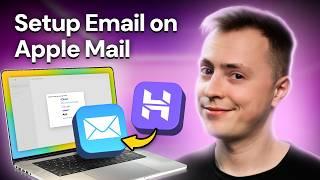
How to Set Up Email on Apple Mail in Minutes | Hostinger
-
14:47

How to Create a Professional Fitness Website With Ease
-
10:15

How to Host an Ark Server: Hostinger Tutorial
-
14:14
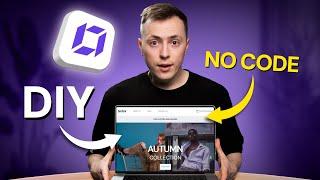
How to Build a Small Business Website | From Zero to Launch
-
17:31

10 Hobbies for Students That ACTUALLY Make You Money
-
05:49
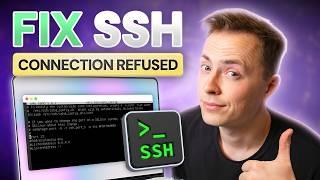
SSH Connection Refused: 6 Methods to Fix It (Hostinger Tutorial)
-
17:01

How to Create a Business Website with AI | Fast & Easy!
-
12:56

How to Build a WordPress Website With AI